
How To Report A Failed Claim
Step 1: Log Into SugarwaveAI
Log into the SugarwaveAI platform: www.sugarwaveai.com

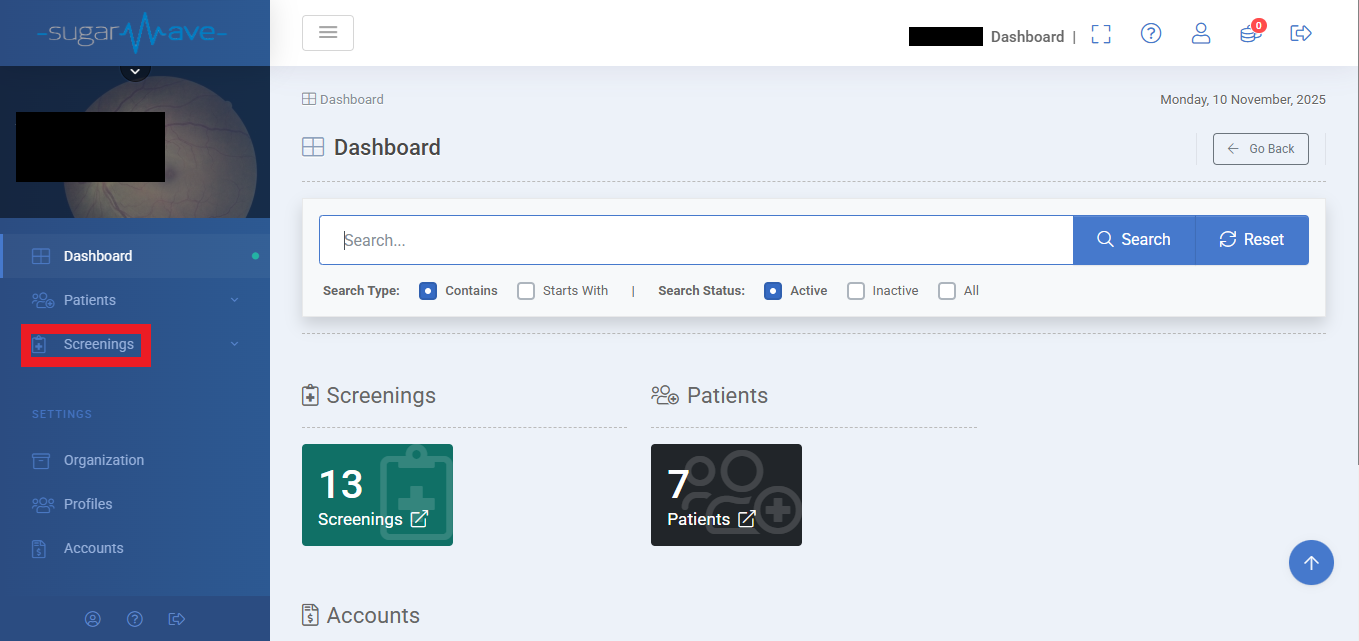
Navigate to “Screenings”
Step 3: Select "List Screenings"
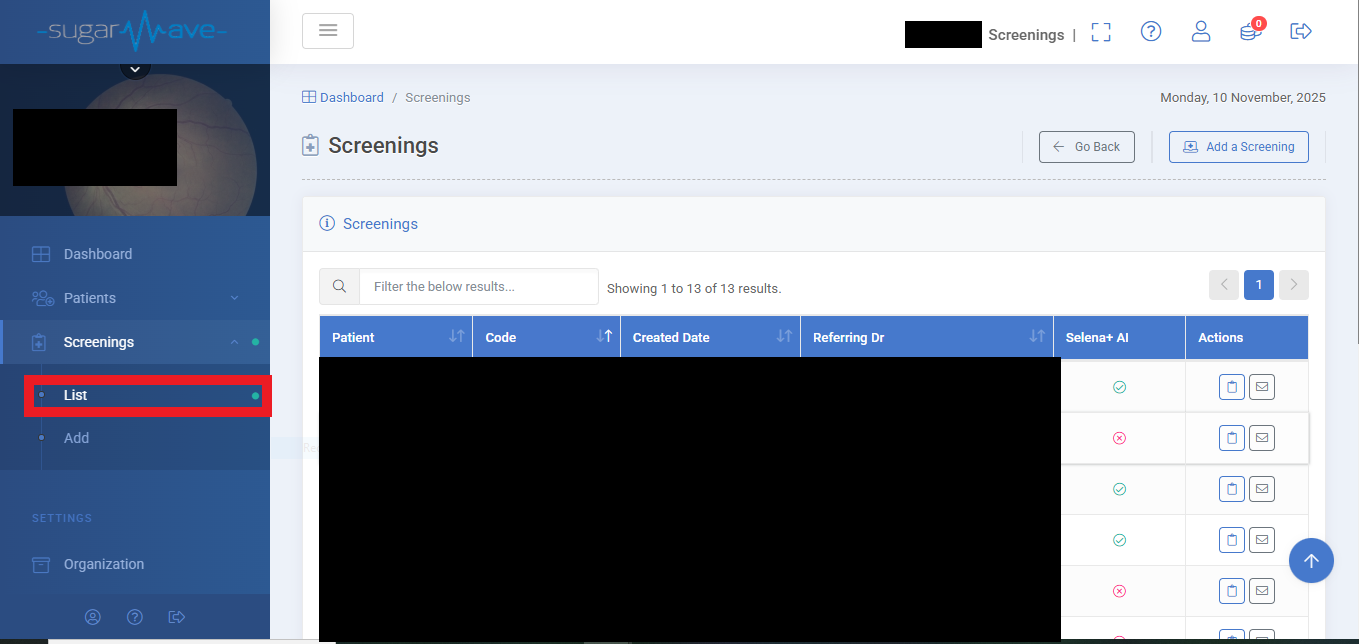
Once selected, you will see a list of your screenings, find the screening with the failed claim in the list and select “Report Claim Issue”

Step 4: An email template should open up
An email template will open automatically, pre-filled with the screening details you entered earlier.
Review the details, add your practice number and send the email to report the issue.
