
How To Register
Step 1: Visit the SugarwaveAI Registration Page
Go to www.sugarwaveai.co.za and click on “Register for SugarwaveAI”.

Step 2: Complete the Registration Form
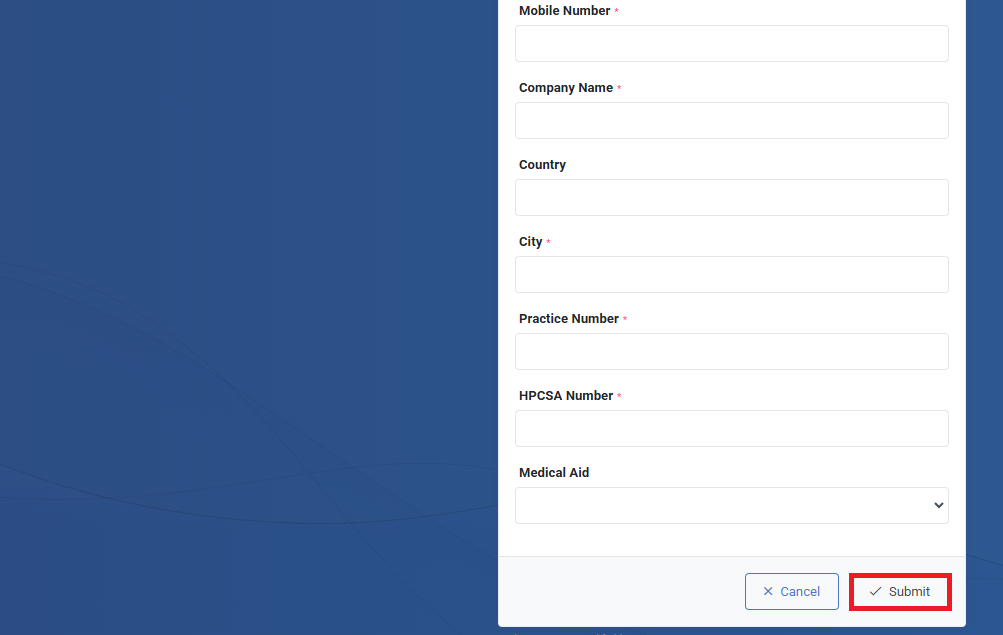
Fill out the required details in the registration form and click Submit.

Step 3: Confirmation Email
After submitting the form, you will receive a confirmation email. Please allow up to 24 hours for the vetting of your application.
Step 4: Account Creation & Password Reset
Once your application is successfully vetted, your account will be created, and you will receive a confirmation email with a link to reset your password.
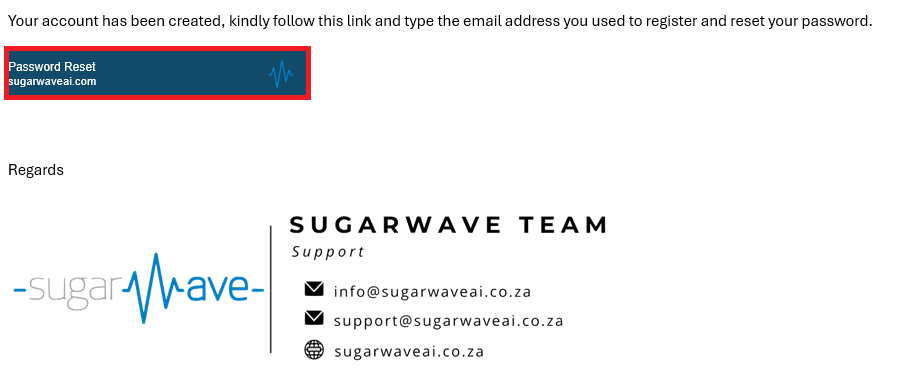
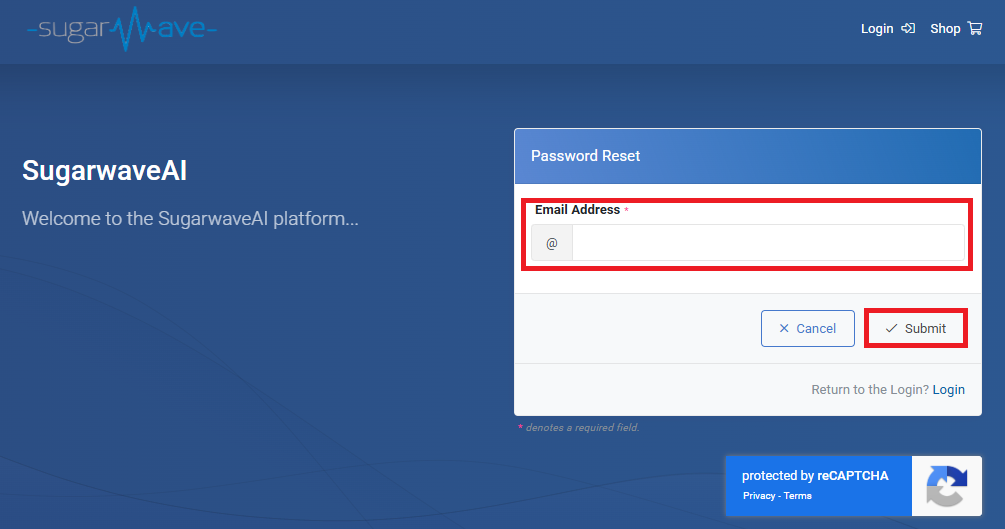
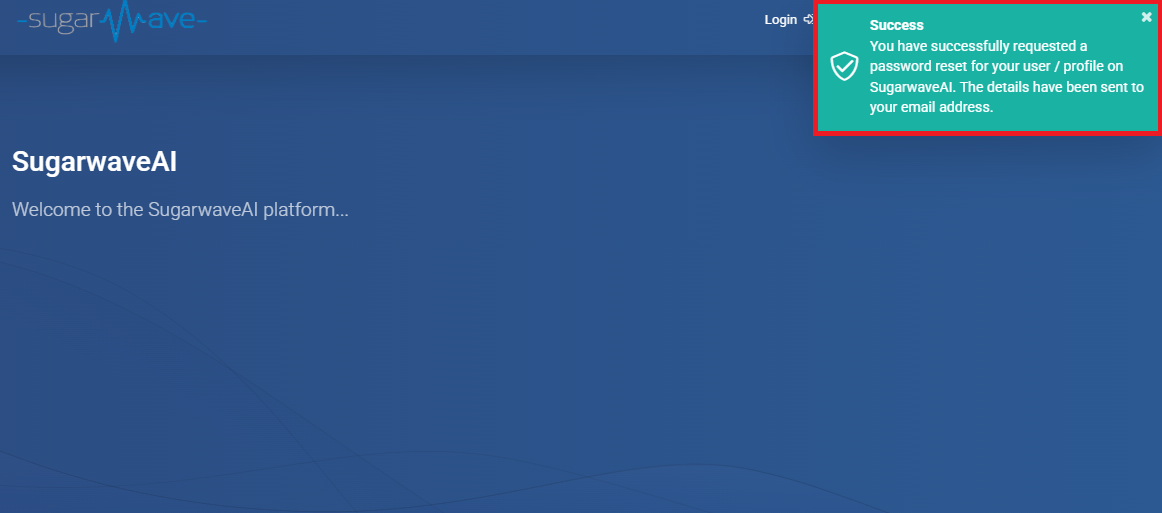
Click the link in the email, enter your email address, and click Submit to receive the password reset link.
Step 5: Set Your New Password
Follow the link in the email.

Enter your new password twice, and click Submit to complete the process.

Step 6: Log In to SugarwaveAI
After resetting your password, you can now log in.
Simply go to the SugarwaveAI platform, click the Log In button at the top right, and enter your email address and new password.
